Update actions settings
Actions include automated visibility updates and help you manage storage space. You can update a presentation’s actions at any time.
To update a presentation’s actions:
- On the presentation’s properties page, click Edit Details.
- Click the Actions tab and update the settings as needed.
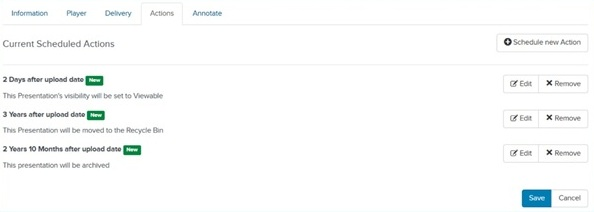
- To schedule a new action, see Schedule actions.
- Click Save.