View real-time statistics
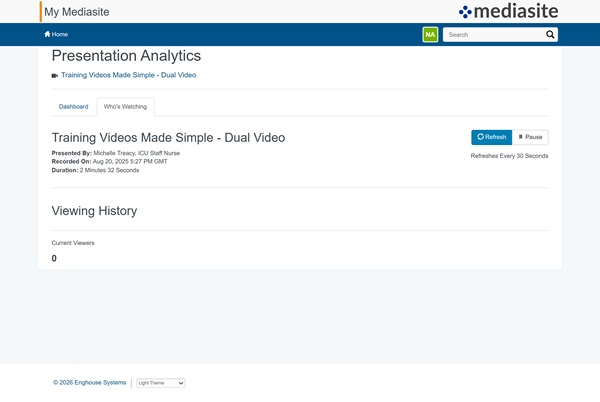
For each presentation, you can see who is currently viewing the presentation and what platforms they are using to view it.
To view a presentation's real-time viewing statistics:
- On the presentation’s properties page, click View Analytics.
- Select the Who’s Watching tab.
- Click Refresh to update the data shown. Otherwise, the report refreshes automatically every five seconds.
- Click Pause to stop automatic refreshing. Click Resume to start refreshing every five seconds again.