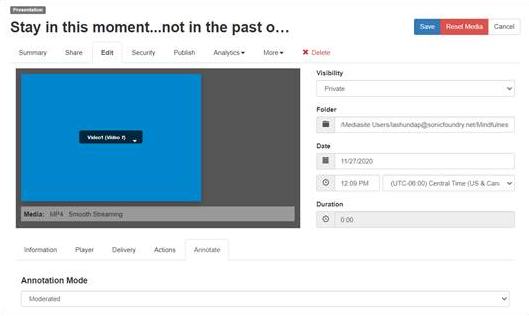
View in Management Portal
If you have access to Management Portal, which is typically reserved for Mediasite administrators and content managers, you can view a presentation in Management Portal. Management Portal has more advanced features than My Mediasite.
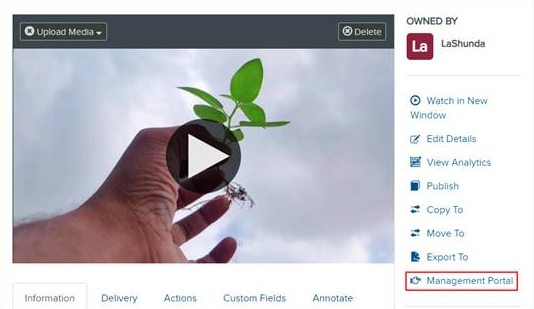
To view a presentation in Management Portal:
- On the presentation’s properties page, click Management Portal. The presentation opens in the Management Portal.
- Navigate through the presentation’s properties page in the Portal to find additional settings and update the presentation as needed.