Update a presentation requiring edits
As part of the Review-Edit-Approve (REA) workflow, presentations are taken through an iterative content approval process before being made available to an audience.
If you are the owner or creator of a presentation or have been given editor permissions for it, you can update it when edits are required. Any changes you make to the presentation are then reviewed and approved or rejected by users who have been assigned approve permissions.
To update a presentation that requires additional edits:
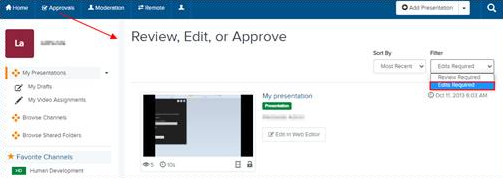
- Click Approvals in the top banner and select Edits Required from the Filter drop-down list.
- Navigate to the presentation you want to edit. Click its title to view its properties page.
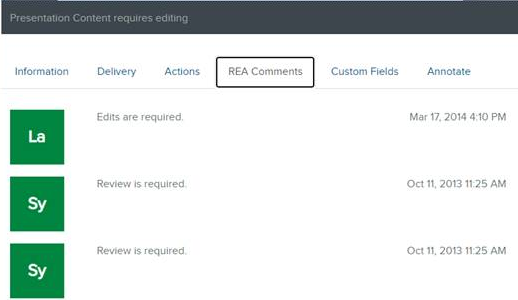
- On the presentation’s properties page, click REA Comments to expand the comments list. Review the comments to see what changes have been rejected or if additional changes are required.
- If the comments indicate the presentation has been edited, click Watch in New Window to view the edited presentation in Mediasite Player.
- After you have completed your review, click Edit Video to launch the Editor.
- Edit the presentation as needed and commit your changes. The presentation's status changes to Review Required and the presentation is listed in the Review Required folder.