Update general settings
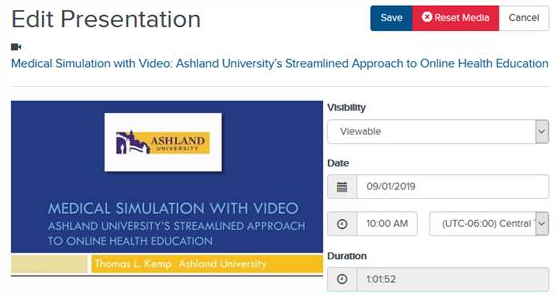
The general settings include visibility, record date, record time, and duration. You can also reset the presentation’s media as part of these settings.
To update a presentation’s general settings:
- On the presentation’s properties page, click Edit Details.
- Update the general settings as needed.
|
Reset Media |
Reset a presentation’s media to remove all information associated with it, including video and slides.
|
|
|
Visibility |
Specify who can see the presentation:
|
|
|
Date/Duration |
Specify the date and time, including the time zone, the presentation will be recorded. Enter its duration, that is, how long the presentation will last. Selecting a presentation's record date, time, and duration does not limit you to starting and ending the presentation at the specified date and times. |
- Click Save.