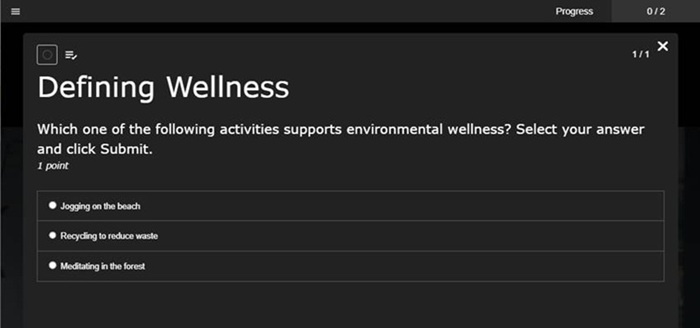
Preview quizzes
Click Preview to view the quizzes before publishing them. When you preview quizzes, you can submit answers in the same manner your audience would.
To preview quizzes:
- On the presentation's properties page, click Edit Quizzes.
- Click Preview.
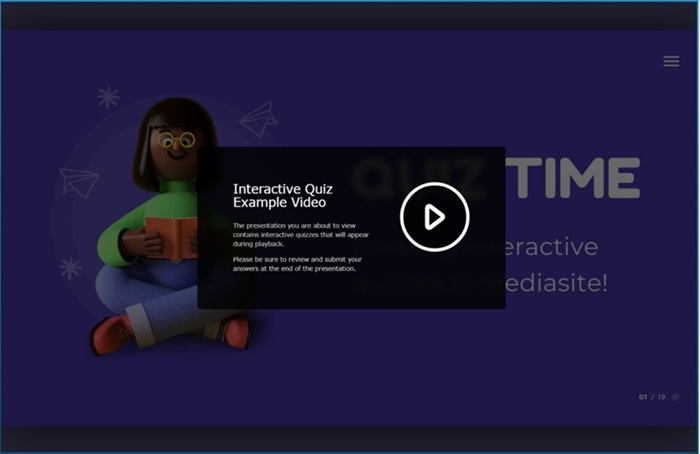
- Click the play button to view the presentation. The presentation opens in a new browser tab and you see the Introduction page.
- Click Take Quiz to view the quiz and answer questions the way your audience will.