Download transcripts
You can download audio transcripts as text files. Audio transcripts are created from the presentation’s captions.
To download an audio transcript file:
- Navigate to the bottom of the presentation’s properties page and click Download to Computer.
- When the Downloads dialog appears, click Transcript (.txt).
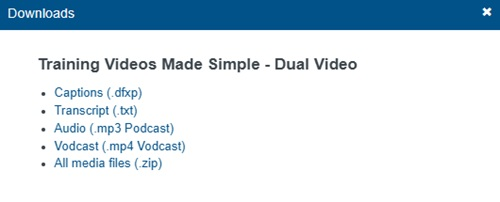
- Save the file and navigate to the download location. The name of the text file matches the presentation’s title.