Download caption files
Mediasite allows you to download your presentation’s captions as a DFXP file. The DXFP file reflects the current state of your captions. Therefore, if you have edited the captions using the Caption Editor, these changes appear in the downloaded file.
To download a caption file:
- Navigate to the bottom of the presentation’s properties page and click Download to Computer.
- When the Downloads dialog appears, click Captions (.dfxp).
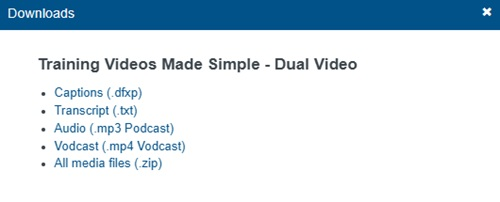
- Save the file and navigate to the download location. The name of the DFXP file matches the presentation’s title.
- You can now share the caption file with others as needed.