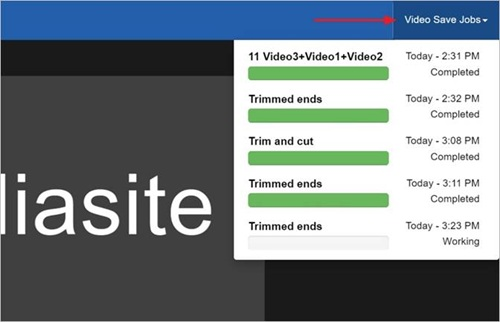
View jobs for saved videos
Each time you save a change to a presentation, a job is created for it. A presentation can have multiple projects, each with its own jobs. For each job, its status and time it was executed or completed are listed along with a bar showing its progress. A job can have three possible states: completed, working, and failed.
To see the status of each executed job:
- Click Video Save Jobs.