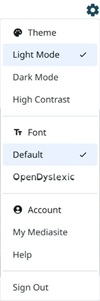
Select a theme
Customize your experience when viewing presentations in channels by selecting a theme.
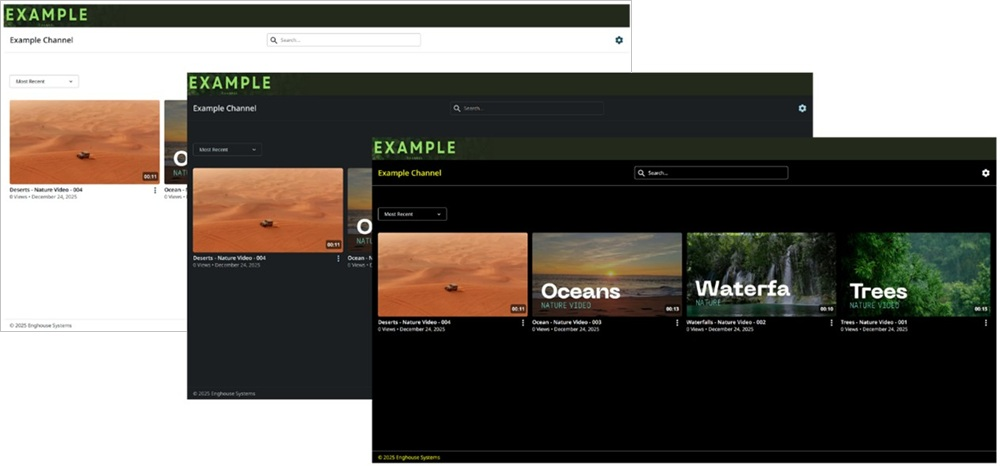
The following examples show the Light Mode, Dark Mode, and High Contrast themes.
To select a theme:
- Click Settings
 at the top of the page.
 - Select one of the following themes from the drop-down list.
|
Light Mode |
Select to use the default theme. |
|
Dark Mode |
Select this theme to reduce eye strain. |
|
High Contrast |
Select this theme for maximum accessibility. |