Mediasite Capture
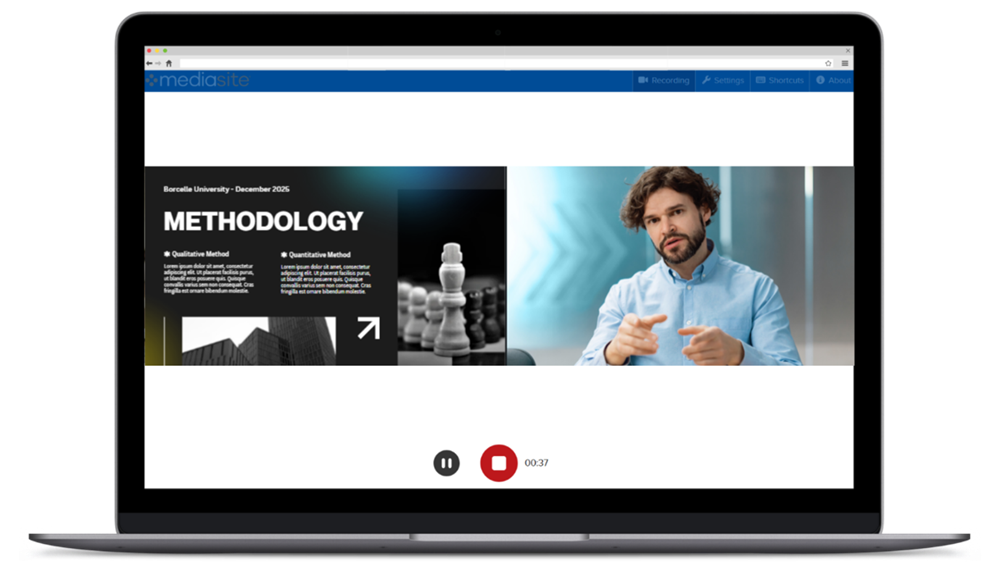
Mediasite Capture is a browser-based recording tool that lets you easily record video and audio from your computer.
You start the recording process by creating a presentation in My Mediasite and launching Mediasite Capture in your browser. You then choose your recording options, settings, and capture sources. After you completed the recording, you upload it to My Mediasite.
Before you start:
- Browser check: Ensure you're using a supported web browser. We recommend Google Chrome or Microsoft Edge. Other browsers are supported, but some features may not be available. See Supported browsers.
- Hardware check: Make sure your webcam and microphone are plugged in.